



Drop a pin on the map and save data layers and multimedia to it with the Mid-Atlantic Ocean Data Portal mobile app’s new Tags feature.
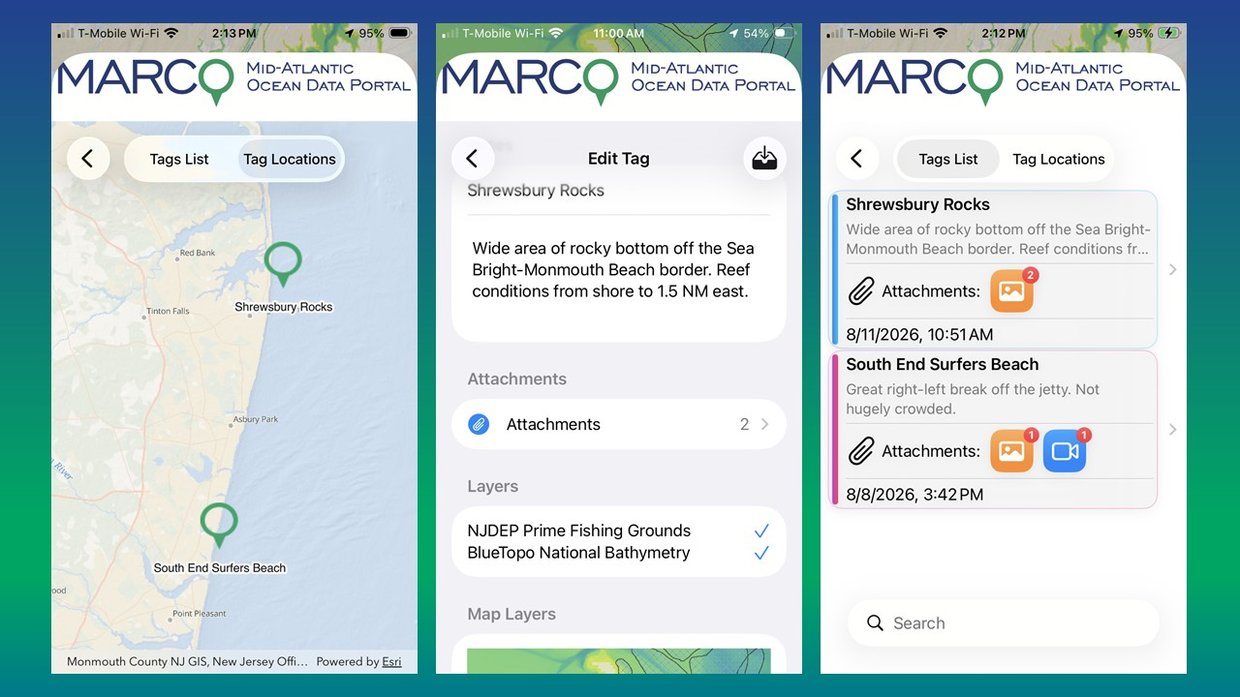
Tagging allows you to mark and describe the interesting and important places you find at sea or on the coast with Portal map layers and your own files. Whether you’re fishing, boating, enjoying a beach day, or conducting research in the field, you can tag locations along the way and attach maps, written notes, photos, videos, and audio files to them, making the sites easy to find and explore again later.
The feature is available on the latest version of the "MARCO Ocean Data" app, which can be downloaded for free at the Apple App Store or Google Play. Users with older versions of the app on their devices should update them to gain access to this and other recently added features.
How to Create Tags
The above tutorial demonstrating how to use the feature is a clip from our July webinar, “How Tuesday: The MARCO Portal and MyCoast Mobile Apps.” Below are step-by-step instructions for creating tags.
- Press and hold the screen to drop a pin. Use the magnifying glass to move it to a precise location.
- A tag icon will appear at the bottom of the buttons to the left. Click it to give the tag a title, type in notes, and upload images, audio, and video recorded at the scene. By default, the tag will include any layers you have active on the map. Click the save icon at the top right to preserve your work.
- On the map screen, tap “Cancel Tagging” to exit the pin-dropping mode.
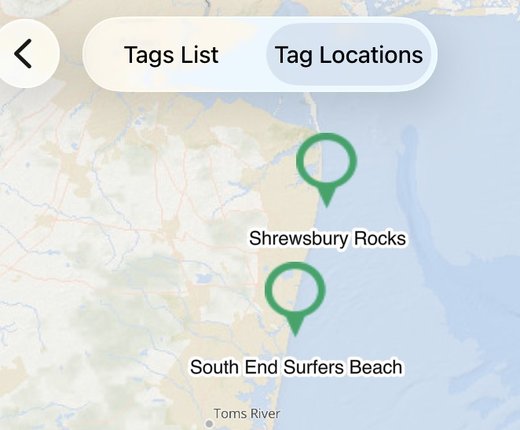
- You can edit tags and their files at any time. Click the “Settings” (gear) icon and then “Tags.” Choose “Tag Locations” to view all of your pins on a map or “Tags List” for a list of your entries. Either tap a pin on the map or choose an entry to open it and make changes. (Tip: If you have several saved tags, you can use the search widget beneath your Tags List to filter for terms that appear in your notes.)
Questions & Comments
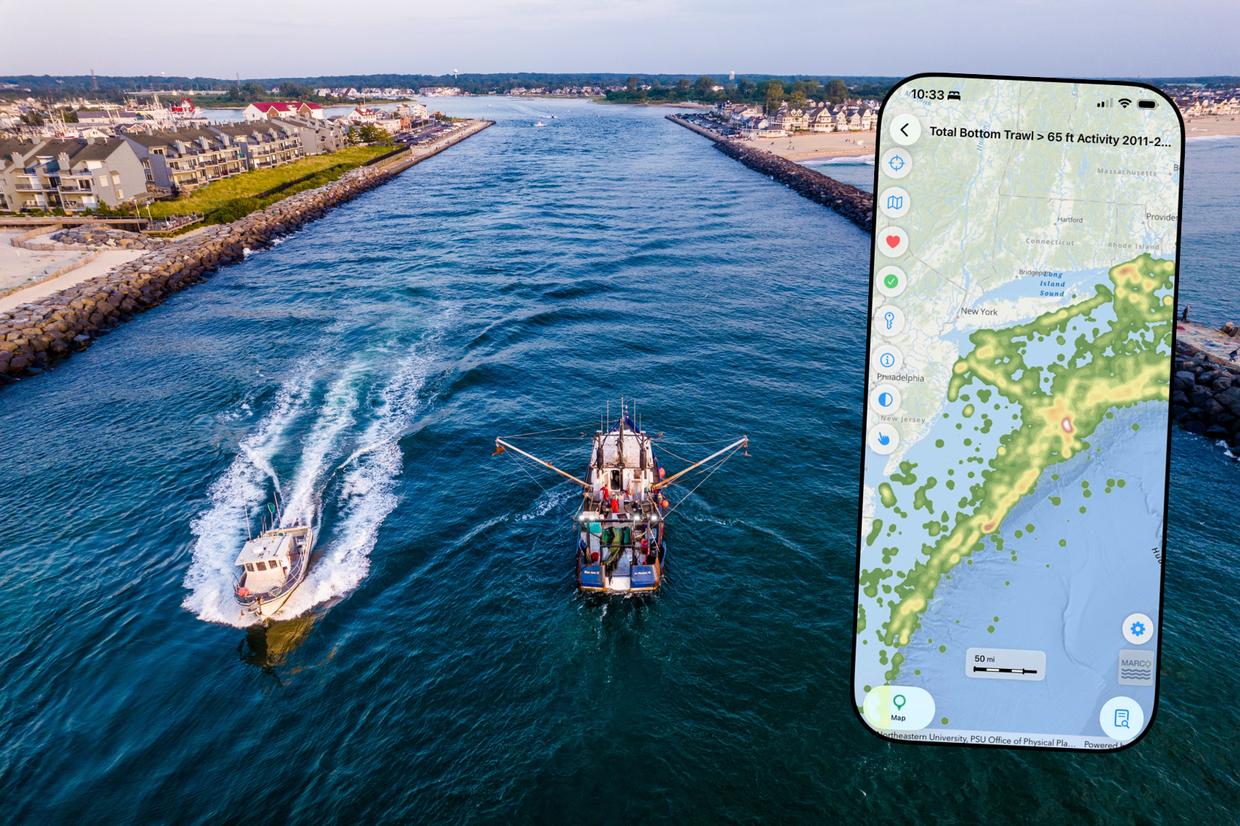
We will continue working to improve this and other features on the app and welcome your input on how we can make it better. Have a question or comment about this feature or the app? Contact us at portal@midatlanticocean.org. You can also view the following two guides for your devices.